AI Rewriter Free: What Free Tools Actually Give You (and Where They Stop)
Free AI rewriters like QuillBot and Grammarly are fast — but they cap usage, lock tone modes, and ignore your SEO goals. Here's what's free and what isn't.

QuillBot alone fields millions of rewrites a month, yet every free plan on the market shares the same ceiling: paste your paragraph, get a cleaner version, then hit a wall.
That wall is what this guide is actually about. Free AI rewriters — QuillBot, Grammarly, Ahrefs, Scribbr, Semrush, TinyWow, and the no-signup options like Monica and Type.ai — let you rephrase paragraphs instantly at zero cost. What they don’t do is remember your SaaS product’s positioning, respect the tone you’ve spent six months building into your changelog, or flag that the rewritten sentence just broke your internal-link anchor. Daily word caps cut you off mid-draft, advanced tone modes sit behind a paywall, and every session starts cold.
For a founder shipping blog posts, landing page rewrites, and feature announcements on a weekly cadence, those gaps compound fast. The right tool to grab depends entirely on what you’re rewriting and how often.
What a free AI rewriter actually does (and doesn’t do)
How paragraph rewriting differs from content generation
A founder pasted a rough SaaS landing-page opener into QuillBot’s free rewriter one afternoon. Thirty seconds later she had a cleaner sentence — shorter, crisper, easier to scan. What she did not have was a new section. The tool had nothing to work with beyond what she gave it.
That distinction matters more than most tool pages admit. A rewriter takes existing text as its raw material and reshapes it — tightening sentence structure, swapping vocabulary, shifting register from stiff to conversational. A content generator starts from a prompt or a topic and produces something from scratch. Every free tool covered in this guide does the first thing only. Paste in nothing, get nothing back.
For a changelog entry you’ve already drafted, or a product description that reads like legalese, that’s genuinely useful. For a blank blog post or an about page that doesn’t exist yet, a rewriter gives you nothing to feed it.
The standard feature set you get on every free plan
Across QuillBot, Grammarly, Ahrefs, and Scribbr, the baseline free tier covers three things consistently: basic paragraph rephrasing, light readability improvements, and a single default tone. QuillBot adds vocabulary suggestions at no cost. Grammarly handles awkward phrasing and can nudge tone from casual to formal. Ahrefs produces variations aimed at marketing copy.
None of them discloses upfront — not one of the top-ranking tool pages mentions it before you hit it — where the ceiling sits on input length, daily usage, or style modes. You find out by running into it.
The best free AI rewriters, ranked by use case
Best for general rephrasing: QuillBot and Scribbr
| Tool | Free-tier strength | Best for founders when… |
|---|---|---|
| QuillBot | Simplifies sentence structures; built-in vocabulary suggestions | Cleaning up a rough changelog or About page draft |
| Scribbr | Preserves original context; strong sentence-level fidelity | Tightening a case study without losing the core argument |
QuillBot is the most-cited tool in Google’s AI Overview for this category, and the reason is straightforward: it handles vocabulary substitution in a single pass without fragmenting your original meaning. Scribbr tilts heavily toward academic assignments, so its context-preservation logic actually works well for founders who need a rewrite that doesn’t drift too far from the original positioning.
Best for professional tone and grammar: Grammarly and Ahrefs
Grammarly shifts tone dynamically — casual to formal in one click — and bundles grammar correction into the same step. That combination matters when you’re editing a SaaS pricing page at midnight and don’t want two separate tools open. Ahrefs’ rewriter targets professional and marketing copy specifically, producing what its own page calls “human-like variations” — useful when you’re trying to avoid the clipped, robotic rhythm that first-draft AI output tends to have.
Best for SEO and marketing edits: Semrush and TinyWow
Semrush ships 6 distinct writing styles — simplify, expand, summarize, and three others — the most style flexibility of any free tier in this group. If you’re editing a meta description or reshaping a feature callout, that range is genuinely handy. TinyWow requires no account and carries no usage cap, so it’s the right call for a one-off edit where creating yet another login isn’t worth the friction.
Best for no-signup, no-limit access: Monica and Type.ai
Monica and Type.ai both allow rewrites without registration. Neither discloses hard word caps on their free tiers, and both return multiple variation options per input — useful when you want to compare outputs side-by-side before picking a direction for a landing page section.
The hard limits every free plan shares
Not one of the top 10 tool pages — Ahrefs, Grammarly, QuillBot, Scribbr — publicly discloses its free-tier word cap anywhere on the rewriter page itself. You find the limit the moment you hit it.
Character and word-count caps per rewrite
QuillBot’s free plan caps each paraphrase run at 125 words. Paste a 300-word SaaS feature section and the tool silently trims your input before processing — you get half a rewrite and have to queue the rest manually. Grammarly and Ahrefs don’t publish their per-session limits at all, which makes planning a multi-section landing-page refresh nearly impossible.
Tone and style modes locked behind paid tiers
Semrush’s free rewriter surfaces 6 distinct writing styles — the widest selection at no cost on this SERP. QuillBot’s free plan exposes 2 modes (Standard and Fluency) out of 9 available. The other 7 — Formal, Academic, Creative, Expand, Shorten, and two more — sit behind the $9.95/month Premium wall. Grammarly’s dynamic tone-shifting (casual to formal, for example) similarly becomes a full feature only on paid tiers.
No memory of your brand, site, or previous drafts
Every free session starts cold. Paste a product update into QuillBot on Monday, come back Thursday, and the tool has no record of your voice, your product name, or the sentence patterns you used last time. For a one-off paragraph that’s tolerable. For a founder publishing 3–4 blog posts a month across a SaaS blog, it means manually re-briefing the tool every single session — with zero consistency guarantee.
Output quality: fluent but generic
The AI Overview describes free rewriter output as capable of rephrasing “instantly” — and that’s accurate. The sentences come out readable. What they don’t come out as is yours. The rewriter has no context about your product, no access to your positioning, and no awareness of the internal links you’re trying to support. A cleaner sentence is not the same as a better-converting one.
Why free rewriting breaks down for indie founders publishing at scale
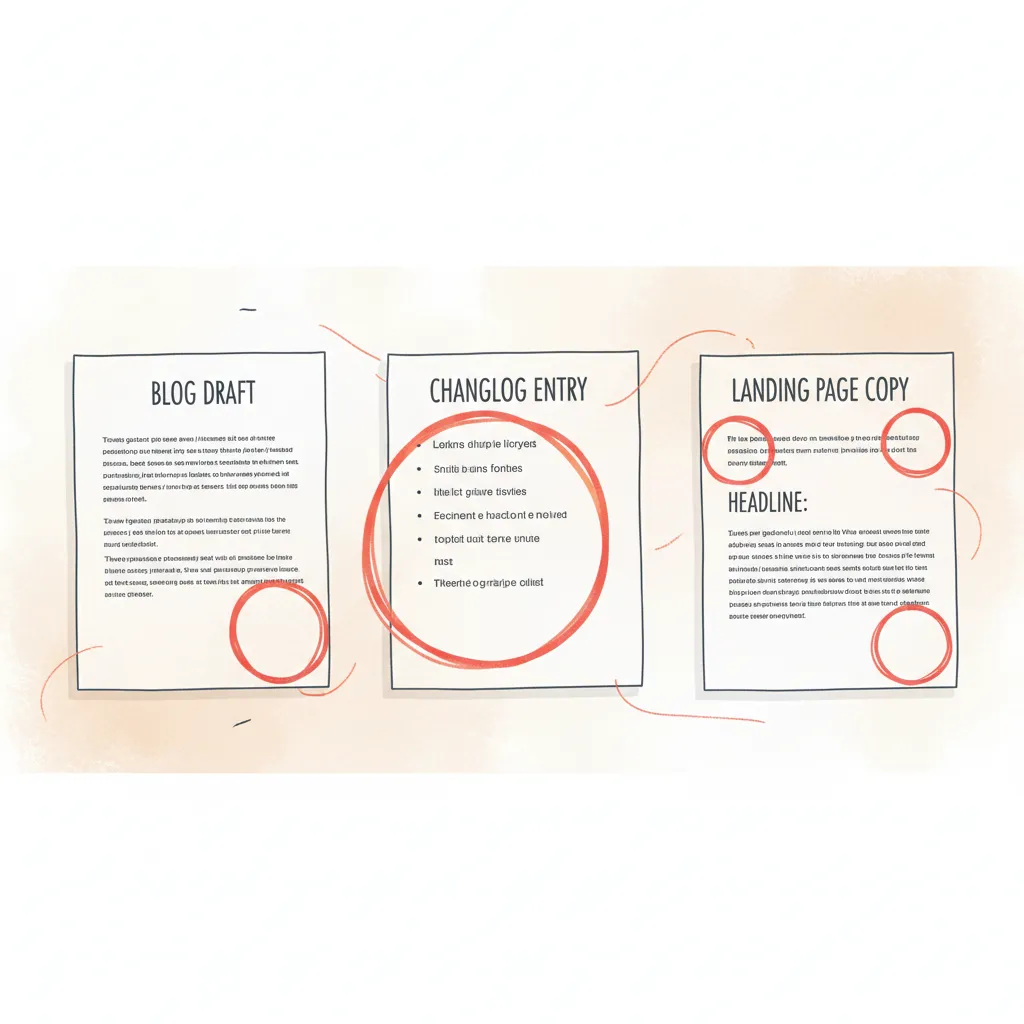
Picture this: you’ve just shipped a SaaS feature. You want a blog post, a changelog entry, and three sentences for your landing page hero. You paste the blog draft into QuillBot, clean it up, then open a new tab for the changelog. Clean that up. Then a third tab for the landing page. Each pass is free. Each pass takes two minutes. And after 40 minutes you still have three pieces of disconnected prose with no internal links, no target keyword placement, and no structural relationship to anything else on your site.
Rewriting ≠ writing: the missing SEO and internal-link layer
A free ai rewriter takes what you give it and gives it back smoother. That’s the entire transaction. It has no knowledge of what pages already exist on your site, what keywords you’re targeting, or where an internal link to your changelog roundup would help both posts rank. Semrush’s rewriter offers 6 distinct writing styles, which covers tone — but “summarize” and “expand” are not the same as “include a contextual link to the pricing page” or “match the H1 intent of the parent cluster.” That layer doesn’t exist in any free tool. You add it manually, after, every single time.
The compounding cost of manual cleanup on every draft
One post with one rewrite pass: fine. Four posts a month, each touching 3 content types, each needing keyword checks and internal-link stitching — that’s roughly 12 separate manual cleanup sessions before anything is publish-ready. The fluency problem is already solved by free rewriters. The cost is the structural work that follows every single time.
When a free rewriter is genuinely enough
Fixing a single awkward paragraph in a support doc, or cleaning up a guest post you didn’t write — a free tool is the right call for both. TinyWow requires no signup, no account, and publicly states no usage caps, so for a one-off edit at 11pm, it’s hard to beat. The limit only shows when you’re publishing at scale and the work shifts from cleaning sentences to building content that compounds. That’s a different problem, and the best AI writing tools for founders are built around it.
How to choose the right free tool for your current stage
Most tool-comparison guides end with a match-up table and leave you to figure out the rest. The actual question — “do I even need more than a free rewriter right now?” — goes unanswered. Here’s the honest version.
Decision checklist: matching the tool to the task
Picking the right tool isn’t really about features. It’s about volume and stakes.
- You’re polishing one paragraph or one email → TinyWow or QuillBot, no signup, done in under a minute.
- You’re fixing tone on a landing page → Grammarly’s free rewording tool shifts register (casual to formal) without a paid plan.
- You’re editing marketing or SEO copy and want 6 style variations per pass → Semrush’s rewriter is the free-tier standout here.
- You’re cleaning up internal comms or a company update → Axios HQ’s Smart Brevity formula is purpose-built for exactly that.
- You need zero account friction → TinyWow is the only tool the AI Overview explicitly flags as carrying no signup requirements or usage caps.
If your task fits one row above cleanly, a free ai rewriter is sufficient. Stop there.
Signs it’s time to move past a standalone rewriter
The break point isn’t frustration — it’s pattern. Opening 3+ browser tabs per post (one to rephrase, one to check tone, one to figure out internal links) means the free-rewriter workflow is costing you more time than it saves. None of the tools above have any memory of your site structure, your past posts, or your target keywords — each session starts from zero regardless of how many times you’ve used them.
That compounds fast when you’re publishing a blog, a changelog, and landing page copy in the same week. At that volume, what you actually need isn’t a better rewriter — it’s a drafting tool that handles SEO context and structure from the start. That’s where something like InstaDraft earns its place; the free plan includes drafting with SEO awareness built in, not bolted on after the fact. For anything bigger than a one-off edit, start there instead.
Frequently asked questions
How is paragraph rewriting different from content generation?
Rewriting transforms text that already exists — you supply a paragraph and the tool reshapes its clarity, tone, or structure. Content generation starts from a prompt and produces new text with no source input required. For founders, the distinction matters practically: a rewriter can’t fill a blank page, and a generator won’t preserve the specific details already in your draft.
What features do you get on a free AI rewriter plan?
Free plans consistently cover basic paragraph rephrasing and readability smoothing. Some add limited tone adjustment — Grammarly shifts casual to formal; QuillBot surfaces vocabulary alternatives. What they don’t cover: advanced style modes, brand-voice memory, SEO-aware suggestions, or higher word volumes. Those capabilities sit behind paid tiers on every major tool.
Which free AI rewriter is best for general rephrasing and academic use?
QuillBot leads for general rephrasing — built-in vocabulary suggestions make it easy to vary word choice without losing meaning. Scribbr is the stronger pick for academic writing specifically, since it’s designed to preserve original context through essay-style edits. Neither is optimised for SEO or marketing copy.
Which free AI rewriter is best for professional tone and grammar correction?
Grammarly’s AI rewording tool handles dynamic tone shifts most reliably — moving a draft from casual to formal without mangling the original intent. Ahrefs’ rewriter is the better fit for marketing copy, generating human-like variations that read as polished rather than machine-smoothed. For a SaaS landing page, Ahrefs is the faster starting point.
Which free AI rewriter is best for SEO and marketing edits?
Semrush’s paragraph rewriter is the most feature-rich free option for marketing work, offering six distinct writing styles that let you simplify, expand, or summarise the same text. Axios HQ’s Smart Brevity formula is worth testing for short-form copy — product announcements, investor updates — where punchy over polished is the goal.
Which free AI rewriters require no signup or account to use?
TinyWow is the clearest no-friction option: no account, no usage cap disclosed, no watermark on output. Monica and Type.ai also offer no-signup access. Any of these three will get you through a quick rewrite in under a minute.
What word or character limits apply to free AI rewriter plans?
None of the top tools — Ahrefs, Grammarly, QuillBot, Scribbr — publish their free-tier limits on the rewriter page itself. You hit the cap mid-session and get a prompt to upgrade. Undisclosed limits are the norm across the category, so assume any free plan will throttle you before you finish rewriting a full blog post draft.
Which tone and style modes are locked behind paid tiers?
Persuasive, academic, creative, and formal-register modes are gated on virtually every platform. Free tiers give you one or two generic rephrasing modes. Semrush is the exception at the free level, offering six styles — but even there, the deeper customisation (custom tone profiles, brand-voice matching) requires a paid subscription.