How to add captions to a video
Upload the video, pick a style and download.
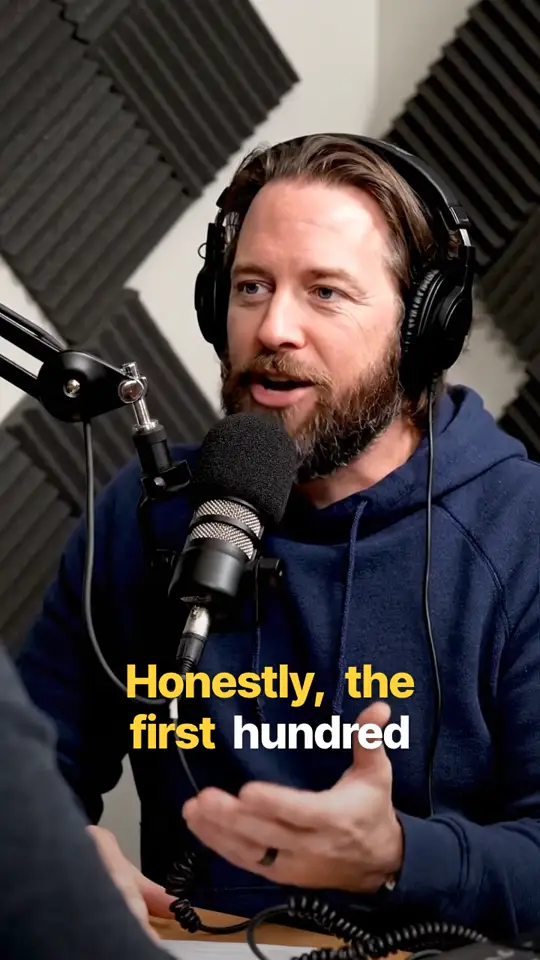
The steps
- 1
Upload your video
MP4, MOV or WebM, in any shape.
- 2
Pick a style
Set the colour and size, and drag the captions into place.
- 3
Download
An MP4 with the captions burned in, in the quality you uploaded.

Questions
How do I add captions to a video for free?
Upload the video to Instadraft, pick a style and download. It is free, with no watermark.
Can I add captions without typing them?
Yes. Instadraft transcribes the speech and times each word.
How long should each caption be?
Short. Three to five words at a time is easy to read while scrolling.
Can I just use the app's own captions?
TikTok, Instagram and YouTube can all add automatic captions. You get their one style, and the captions only exist on that app. If you post the same video in several places, burn the captions in once instead.
Do auto captions get everything right?
Not always. Names, brand words and mumbled speech are where mistakes happen, so watch it through before you download.