Add subtitles to a video
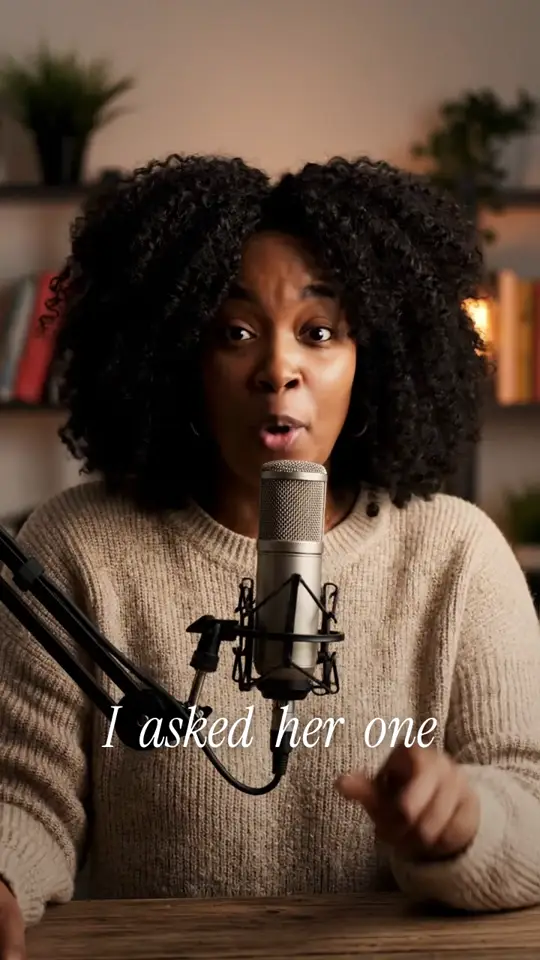
Subtitles written from the speech and burned into your video.
The steps
- 1
Upload your video
The speech is written out and timed, word by word.
- 2
Pick a style
Classic and quiet, or animated. Drag them where you want.
- 3
Download
An MP4 with the subtitles in the picture, in the quality you uploaded.
Burned-in or a subtitle file?
Burned-in (open) subtitles
Part of the video. They show everywhere, in your style, and nobody has to switch them on. This is what Instadraft makes.
Subtitle files (SRT, VTT)
A separate text file the player shows on top. Viewers can turn them off, and each app draws them in its own style.
Subtitle styles
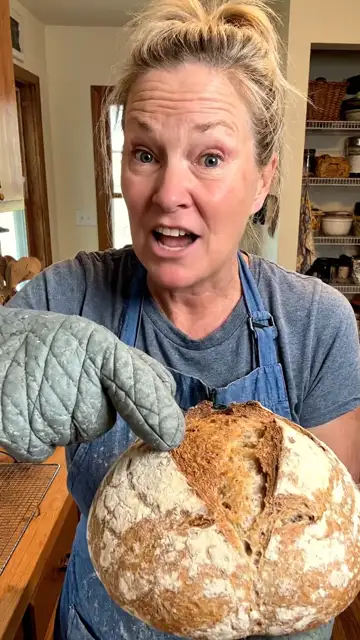
From plain white text to word-by-word highlights.



Questions
How do I add subtitles to a video for free?
Upload the video to Instadraft. The speech is written out and timed for you. Fix any word, pick a style and download an MP4 with the subtitles in it, with no watermark.
What is the difference between subtitles and captions?
Strictly, subtitles are the spoken words, often translated, and captions also describe sounds for viewers who cannot hear. Online, most people use the two words for the same thing: text of what is said, on screen.
Can I download an SRT file?
Not yet. Instadraft burns the subtitles into the video itself, so they show on every app and player without a separate file. If you need an SRT for YouTube or a video editor, use a tool that exports one.
Can viewers turn the subtitles off?
No. Burned-in subtitles are part of the picture, which is what you want for social video, where most people watch with the sound off.
Does it translate the subtitles?
No. The subtitles are written in the language that is spoken in the video.