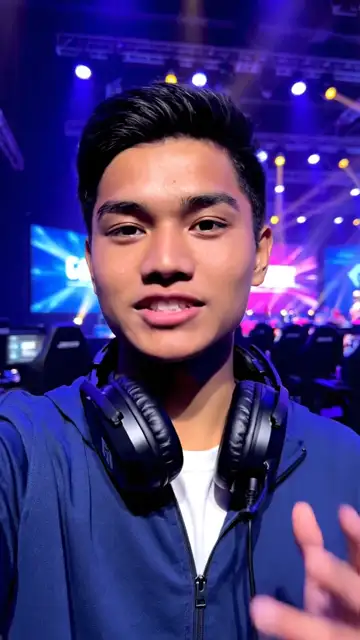
Caption generator for video
Upload a video and get captions timed to every word, in a style you pick.
What it does
- 1
Writes the captions
The speech is transcribed and every word is timed. Fix any word that came out wrong.
- 2
Styles them
Animated, bold or classic. Pick a colour, then drag and resize them.
- 3
Burns them in
Download an MP4 with the captions part of the video, with no watermark.
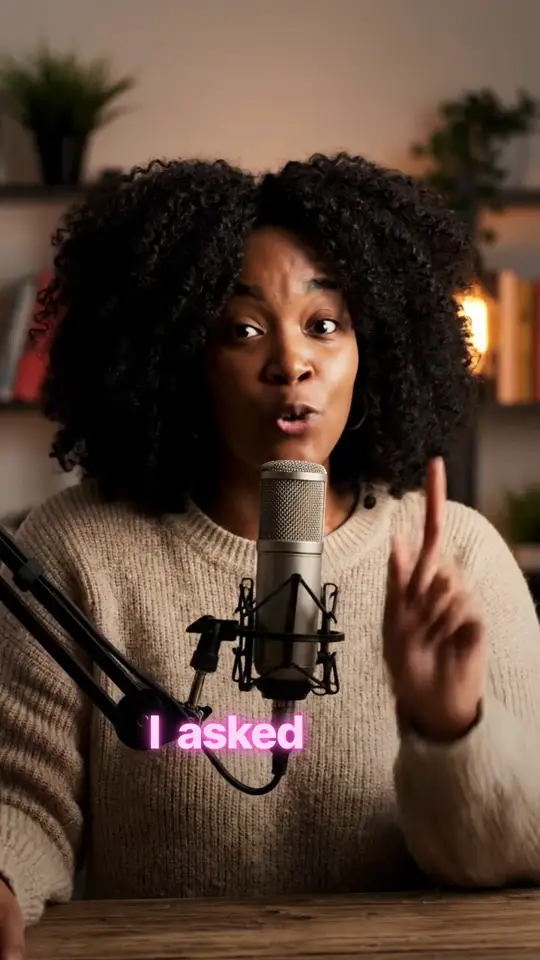
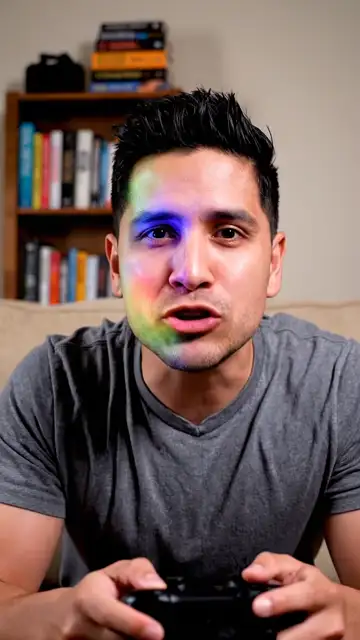
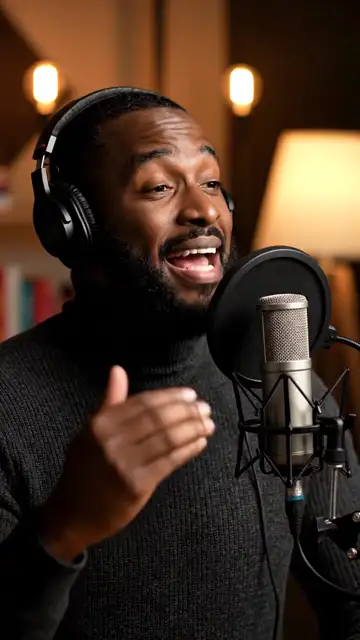
Captions that move with the voice
Animated word by word, or plain and quiet.
Why burn captions in?
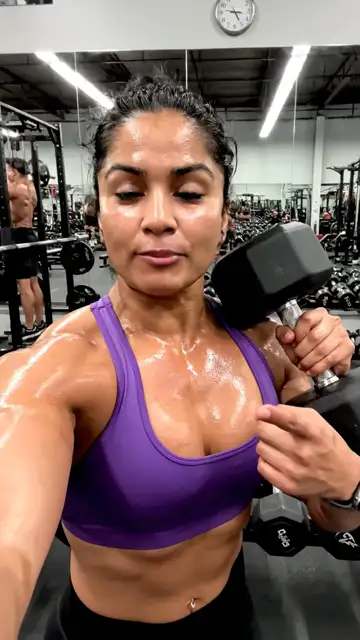
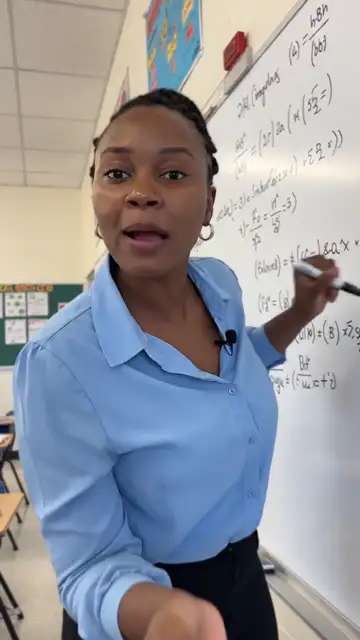
Most people scroll with the sound off. Captions that are part of the video show on every app and every device, in your style, and nobody has to switch them on.
Posting to one app? See the guides for TikTok, Instagram Reels and YouTube Shorts, which show where each app's buttons cover the screen.
Questions
What is a caption generator?
A tool that listens to the speech in a video, writes it out as text and shows it on screen in time with the words. Instadraft does this automatically, then lets you style the captions and download the video.
Is the caption generator free?
Yes. Sign up free to download your video. There is no watermark and no credit card.
Is it an AI caption generator?
Yes. The speech is transcribed by an AI speech model (Whisper), which times every word. You can fix any word before you download.
Which videos can I use?
MP4, MOV and WebM files with speech, in vertical, square or widescreen. The download keeps your video's size and frame rate.
Do I need to install anything?
No. Instadraft runs in your browser. Your video is turned into the final MP4 on your own device.