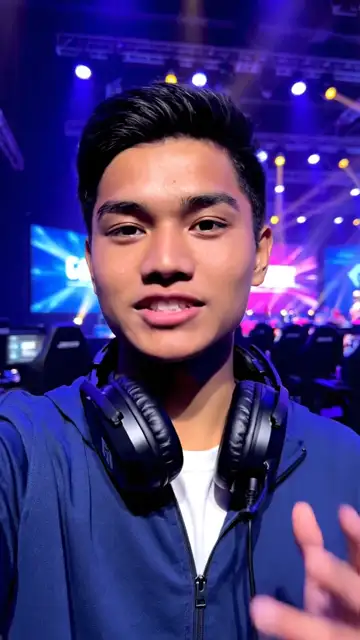
Auto captions for any video
Captions written and timed for you. Fix any word, then download.
How it works
- 1
Upload
MP4, MOV or WebM, in any shape. The speech is written out for you.
- 2
Style
Pick a style and colour, then drag and resize the captions.
- 3
Download
An MP4 with the captions burned in, at the size you uploaded.
Better than the app's own auto captions
| App auto captions | Instadraft | |
|---|---|---|
| Style | One plain style | Animated styles, your colours |
| Viewers | Can switch them off | Always on screen |
| Where | Only inside that app | Every app you post to |
| Placement | Where the app puts them | Drag and resize them |
| Mistakes | Hard or impossible to fix | Click any word to fix it |
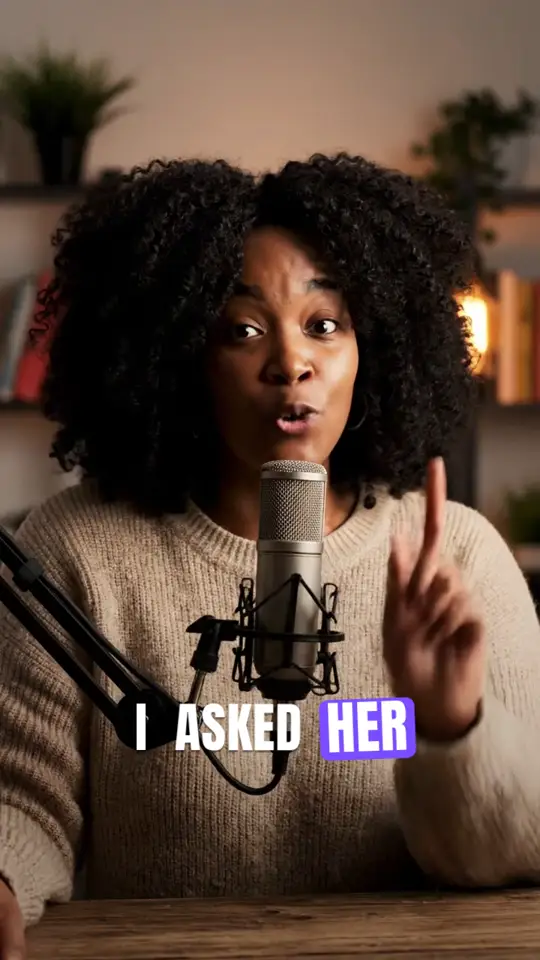
Pick how they look
Word-by-word animation, or plain and quiet.

Questions
How do auto captions work?
Instadraft sends the video's sound to a speech model, which writes out what is said and times each word. The captions then appear on screen as the words are spoken.
Are auto captions accurate?
Clear speech comes out very close. Names, brand words, slang and speech over loud music are where mistakes happen. Read them through and click any word to fix it before you download.
Are the auto captions free?
Yes. Sign up free to download, with no watermark and no credit card.
Do auto captions work in other languages?
The speech model detects the language on its own and writes the captions in it. English gets the best results.
What is the difference from TikTok or YouTube auto captions?
App captions use the app's one style, viewers can switch them off, and they only exist on that app. Instadraft burns them into the video, in your style, so they show everywhere you post it.