Safe zones for Reels, TikTok and Shorts
Where each app puts its buttons and text, in pixels, so your captions and titles never end up underneath.
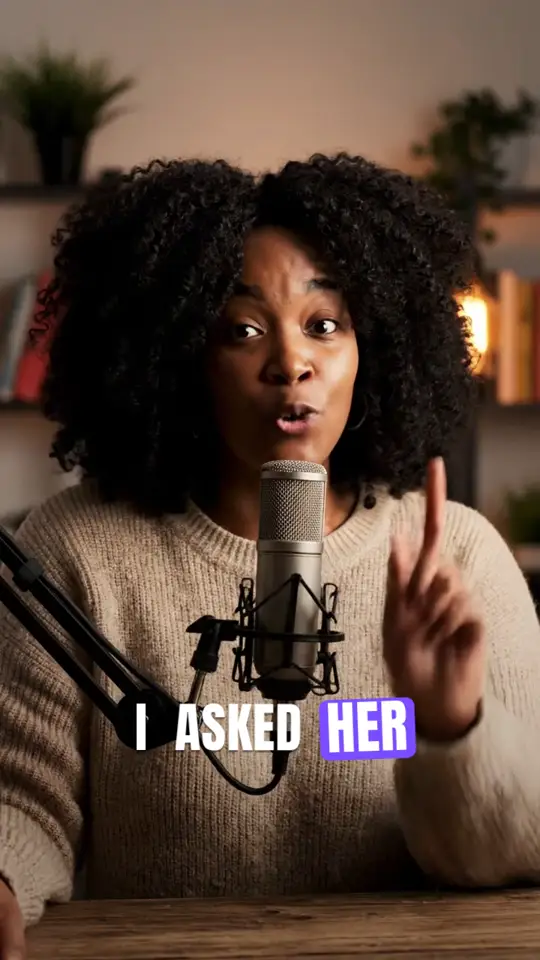
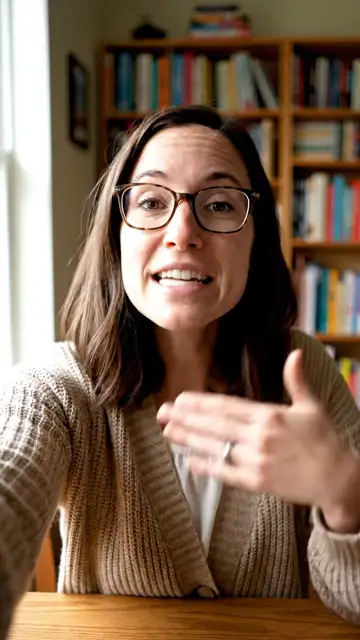
Instagram Reels safe zone
Reels covers a little less at the top than TikTok, but a little more at the bottom, where the caption and audio sit.
| Covered | On a 1080 × 1920 video |
|---|---|
| Reels header | Top 173 px |
| Buttons | Right 184 px, from 749 to 1478 px down |
| Name, caption and audio | Bottom 422 px |
TikTok safe zone
The bottom fifth holds your username, post caption and sound, and the buttons run down the right side.
| Covered | On a 1080 × 1920 video |
|---|---|
| Tabs | Top 211 px |
| Buttons | Right 184 px, from 710 to 1517 px down |
| Name, text and sound | Bottom 384 px |
YouTube Shorts safe zone
Shorts has the tallest button column on the right, so keep text well in from the right edge.
| Covered | On a 1080 × 1920 video |
|---|---|
| Search and menu | Top 154 px |
| Buttons | Right 184 px, from 672 to 1555 px down |
| Channel, title and sound | Bottom 346 px |
Instagram Stories safe zone
| Covered | On a 1080 × 1920 story |
|---|---|
| Progress, name and close | Top 250 px |
| Reply bar | Bottom 326 px |
Free templates
Each template is a 1080 × 1920 PNG with the covered areas shaded. Lay it over your video in any editor, line up your text, then hide it before you export.
Or skip the template: Instadraft shows the guide over your video while you add captions and text.
More free tools
- Caption generatorAnimated captions on any video, timed to every word.
- Hook generatorOpening lines that stop the scroll, added to your video.
- Add text to videoPut a title or any text on your video.
- Video to textA transcript of your video as TXT, SRT or VTT.
- Resize videoMake any video 9:16, 4:5, 1:1 or 16:9.
- Video progress barA bar that fills as your video plays.
- YouTube title generatorClickable titles under 70 characters.
- YouTube description generatorDescriptions with a search-friendly first line.
- YouTube tag generator25 tags to paste into YouTube Studio.
Questions
What is the Instagram Reels safe zone?
The middle of the frame that Instagram doesn't cover. On a 1080 × 1920 Reel, keep text out of the top 173 px, the bottom 422 px and the right 184 px.
What is the TikTok safe zone?
On a 1080 × 1920 video, avoid the top 211 px (the Following and For You tabs), the bottom 384 px (your name, caption and sound) and the right 184 px (the buttons).
What about Instagram Stories?
Keep the top 250 px and the bottom 326 px clear. The top holds the progress bars and your name; the bottom holds the reply bar.
Are these numbers exact?
They are close, with a little margin. Each app's layout changes between phones and app updates, so leave some room.
Can I check my own video?
Yes. Open Instadraft, drop in your video and turn on the guide for TikTok, Reels, Shorts or Stories. It shades what each app covers while you place captions and text, and it is never in the export.