Add a progress bar to your video
A thin bar that fills as your video plays, so viewers can see how much is left. Free, with no watermark.
Why add a progress bar?
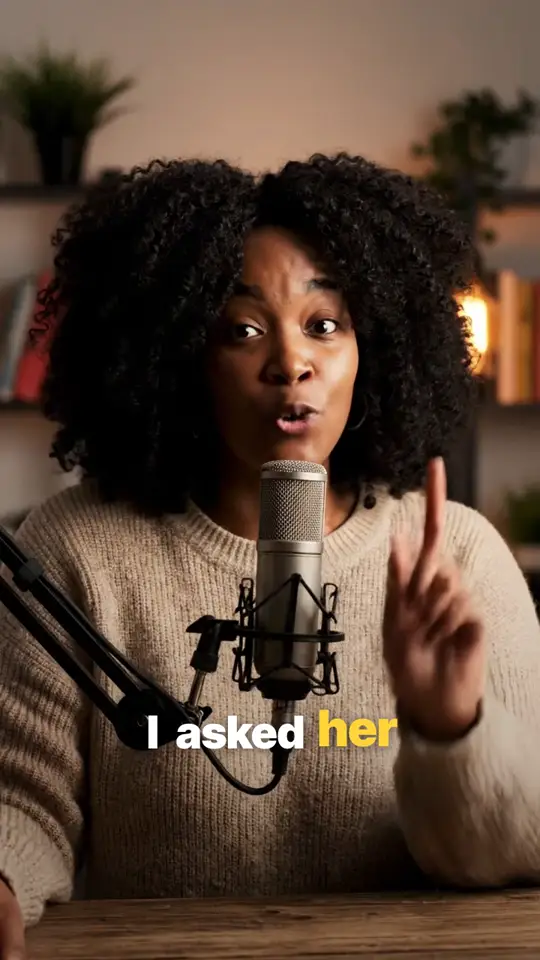
On TikTok, Reels and Shorts the built-in progress bar is small or hidden. A bar in the video itself shows viewers how long is left, which nudges them to finish a short video, and gives the frame some movement even when nothing else is happening.
It suits talking-head videos, tutorials, podcast clips and slideshows best. On longer videos, pair it with captions so there is always something to read.
Where to put it
At the top for vertical video, clear of each app's buttons and text at the bottom. See safe zones for what TikTok, Reels and Shorts cover.
More free tools
- Caption generatorAnimated captions on any video, timed to every word.
- Hook generatorOpening lines that stop the scroll, added to your video.
- Add text to videoPut a title or any text on your video.
- Video to textA transcript of your video as TXT, SRT or VTT.
- Resize videoMake any video 9:16, 4:5, 1:1 or 16:9.
- Safe-zone guidesWhat TikTok, Reels and Shorts cover, with templates.
- YouTube title generatorClickable titles under 70 characters.
- YouTube description generatorDescriptions with a search-friendly first line.
- YouTube tag generator25 tags to paste into YouTube Studio.
Questions
How do I add a progress bar to a video?
Open Instadraft, drop in your video and set the progress bar to top or bottom. Pick its colour, then export the MP4.
Is it free?
Yes, with no watermark. You need a free account to export.
Top or bottom?
Top for TikTok, Reels and Shorts, because the apps cover the bottom with your name, caption and their own progress bar. Bottom works well for videos on websites and LinkedIn.
Can I change the colour?
Yes. The bar uses the colour you pick for your captions, from yellow and lime to pink and white.
Does it work on any video?
Yes: MP4, MOV and WebM, any length and shape. It fills from start to end in step with the video.